Describe it in your own words
No prompt engineering. Say the idea the way you would say it to a friend, then refine from there.
AI tattoo design app
InkFlow turns a rough idea into a visual direction — style, composition, and placement — so you walk into the studio with something your artist can actually work from.
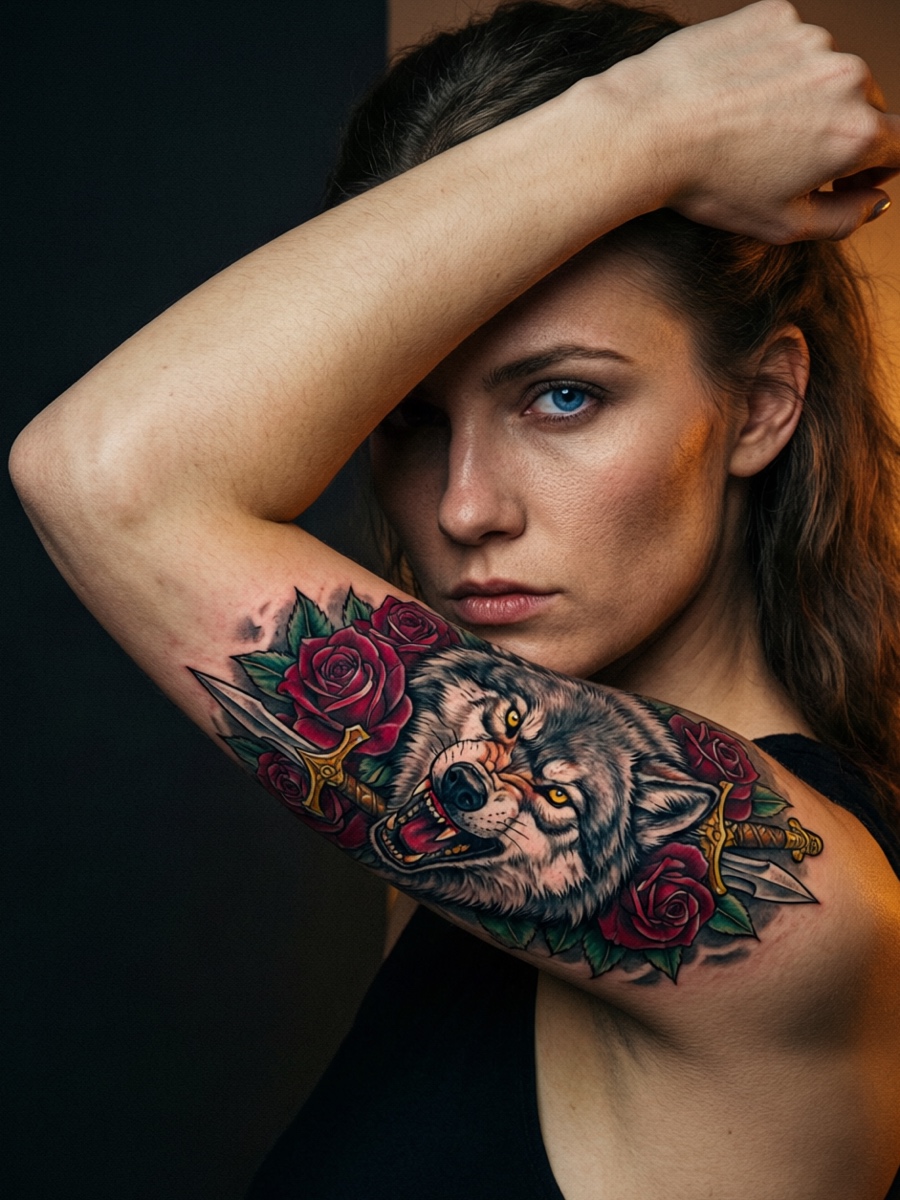
InkFlow is built for the stage before you know exactly what you want — when you have the feeling but not the final form.
No prompt engineering. Say the idea the way you would say it to a friend, then refine from there.
Blackwork, fine line, Japanese, neo-traditional, geometric — see what a direction actually looks like before you settle on a style.
Place a direction on a photo of your own arm, back, or leg to judge scale and placement before you commit.
Iterate on a direction you like, rather than rolling again from scratch and losing what was working.
Save a direction as a concrete reference for your consultation, so the conversation starts from something visible.
Body-preview photos are processed locally and are never uploaded. See the privacy policy.
Three steps from a vague idea to something you can show someone.
Start with a rough thought, a half-remembered image, or a phrase you keep coming back to.
Use a guided creative flow to explore styles and placement, without needing the perfect words first.
Save the direction and bring it to your artist so the consultation starts from something concrete.
InkFlow is a creative direction tool. It helps you explore concepts, styles, and body placement so you have something more useful than a random image — a direction you can discuss with a tattoo artist.
Yes. You can place a direction on a photo of your own arm, back, or leg to judge scale and placement. The body preview is generated on your device.
No. Photos you choose for the body preview are processed locally and are not uploaded to our servers or to any AI provider. They are saved to your device photo library only when you explicitly tap Save.
New users get 3 free generations that do not expire. Pro plans add a recurring allowance: 50 per week on the weekly plan, 200 per month on the monthly plan, and 300 per month on the yearly plan. Unused recurring credits reset at the end of each allowance period.
Not necessarily, and it is not meant to. AI output is a starting point for a conversation. A qualified tattoo artist adapts a direction to your skin, the placement, and their own technique. Always consult a professional before getting tattooed.
Time RestorerBring the photographs you thought were gone back into focus.
See Time Restorer